
Automating Legal Intake: How In-House Teams Are Taming the Request Backlog
 Macy Ayala,
8 hours ago
4 min read
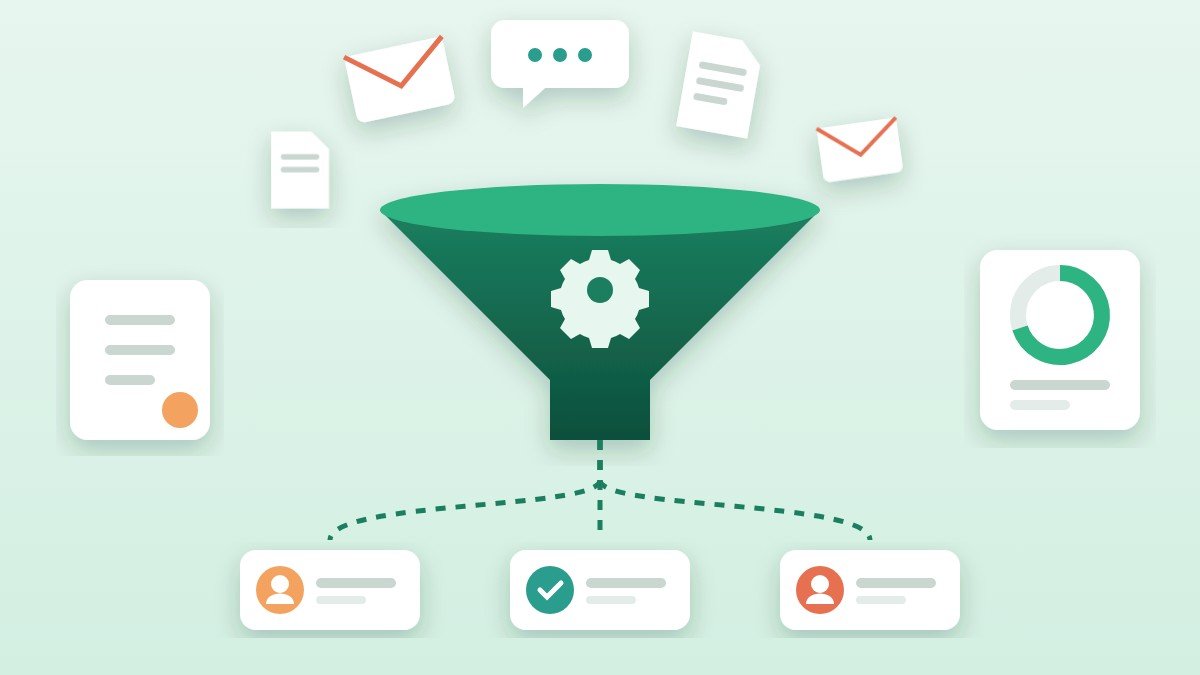
Ask almost any in-house lawyer what slows them down, and you will hear a familiar answer: requests arriving from every direction. A sales leader emails asking for a contract review by tomorrow. A product manager pings on chat about a privacy question. Someone stops a lawyer in the corridor to ask about a supplier dispute. Each request is reasonable on its own, but together they create a backlog that is hard to see, harder to prioritize, and almost impossible to measure.
Legal intake automation is one of the most practical ways corporate legal departments are responding. By creating a structured front door for legal work, teams can route requests to the right people, handle routine matters faster, and finally understand where their time is going.
The Problem with Unstructured Intake
When requests arrive through scattered channels, several problems follow:
- Missing information: lawyers spend time chasing basic details such as contract value, counterparty, deadline, or business context.
- Uneven workloads: some lawyers are overwhelmed while others have capacity, simply because of who the business happens to contact.
- Lost requests: items buried in inboxes slip through the cracks.
- No visibility: legal leaders cannot easily report how many matters the team handles, how long they take, or which business units generate the most demand.
- Frustrated stakeholders: business teams do not know the status of their request or when to expect an answer.
What Intake Automation Looks Like
At its simplest, intake automation replaces ad hoc requests with a single entry point. This might be a web form, a portal, a chat-based assistant inside a workplace messaging tool, or an email address connected to a workflow system. Whatever the channel, the request is captured in a consistent, structured way.
A well-designed intake process typically includes:
- Smart forms that ask different questions depending on the request type, so a non-disclosure agreement request collects different details from a regulatory query.
- Automatic triage that assigns requests based on rules such as subject matter, business unit, value, or jurisdiction.
- Self-service options for routine needs, such as generating a standard NDA from an approved template without lawyer involvement.
- Status tracking so requesters can see where their matter stands.
- Reporting dashboards showing volumes, turnaround times, and workload distribution.
Where AI Adds Value
Generative AI and machine learning are making intake tools smarter. Instead of forcing users to pick from a long list of categories, an assistant can read a request written in plain language and suggest the right category, urgency, and owner. It can identify attached documents, extract key terms from a contract, and flag requests that resemble previous matters.
AI can also answer simple, frequently asked questions directly from approved guidance, such as which signature authority applies to a contract of a certain size. As with any AI use in legal work, these responses should be grounded in vetted content and reviewed periodically, with a clear path to a human lawyer for anything uncertain.
Benefits for the Legal Team
Teams that implement intake automation often report several improvements:
- Faster turnaround because requests arrive complete and go straight to the right person.
- More time for strategic work as routine matters are handled through self-service or by legal operations staff.
- Fairer workload allocation based on capacity and expertise rather than personal relationships.
- Data-driven planning that supports headcount requests, budgeting, and decisions about outside counsel.
- Better risk management through consistent capture of matters that may require escalation.
Benefits for the Business
Intake automation is not just an internal efficiency project. Business stakeholders gain clarity on how to engage legal, what information to provide, and when they can expect a response. Self-service tools let them move quickly on low-risk tasks. Over time, this can improve the perception of legal as an enabler rather than a bottleneck.
Implementation Tips
Successful intake projects tend to follow a few principles:
- Start with the most common request types, such as NDAs, sales contracts, and vendor agreements, before expanding.
- Meet users where they work. If the business lives in a messaging platform, put the intake front door there.
- Keep forms short. Ask only for information the legal team genuinely needs at the start.
- Define clear rules for triage and escalation, and review them as the team learns.
- Communicate the change and explain the benefits to the business. Adoption depends on people actually using the new channel.
- Measure from day one so improvements can be demonstrated.
Common Pitfalls
Intake automation can fail if it becomes bureaucratic. Overly long forms, rigid categories, or a portal that feels like a barrier will push people back to email. Legal teams should also avoid automating a broken process without first simplifying it. Technology works best when it supports a clear, agreed workflow.
Conclusion
Legal intake may not be the most glamorous area of legal technology, but it is one of the most impactful. By creating a structured front door, automating triage, enabling self-service, and capturing data, in-house teams can tame their backlog and spend more time on the advice that truly needs a lawyer. For many legal departments, intake is the natural first step toward broader legal operations maturity.
Automating Legal Intake: How In-House Teams Are Taming the Request Backlog


